Take reviewed content into WordPress
Send an accepted draft to your connected WordPress site. Keep the destination and approved version clear, then review it in WordPress before putting it live.
Integrations
Bring your search data, content and AI assistant into the same workflow. Find the opportunity, review the work and send it to the right place.
Illustrative connection map
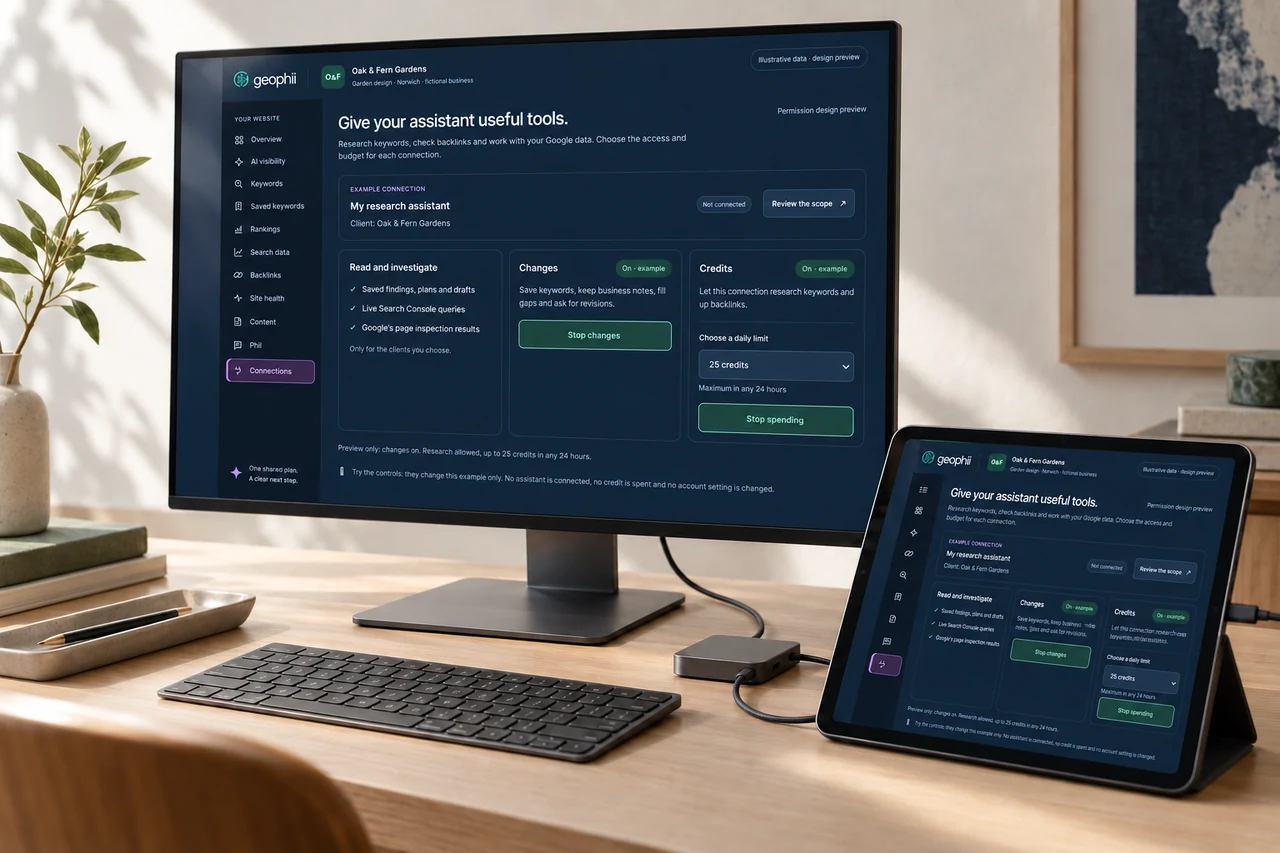
Geophii in context
Keep the source of your website evidence and its connection controls in view.
AI-generated scene · illustrative product data.What to expect
Send an accepted draft to your connected WordPress site. Keep the destination and approved version clear, then review it in WordPress before putting it live.
Connect Geophii through MCP to research keywords and backlinks, save useful terms, review findings and request draft changes. An owner or admin can enable paid research with a daily credit limit for each connection.
Connect Search Console and ask Phii or your connected assistant about searches, pages, countries, devices and date ranges. Inspect the indexing status of your own pages and bring the findings into your next website decision.
Tell us which system you use and what you need it to do. We can discuss the connection, the information involved and the work needed to make it useful for your business.
Before you start
Yes. Agency owners or admins can enable keyword and backlink research with a daily credit limit per connection. These tools use the same prices as the app.
Sending creates a draft for review in WordPress. Review and publish the page through the agreed publishing process.
Tell us the systems and outcome you have in mind. We will help define the connection and confirm the scope before you commission additional work.
Start with a free AI visibility check. Then choose the work you need.