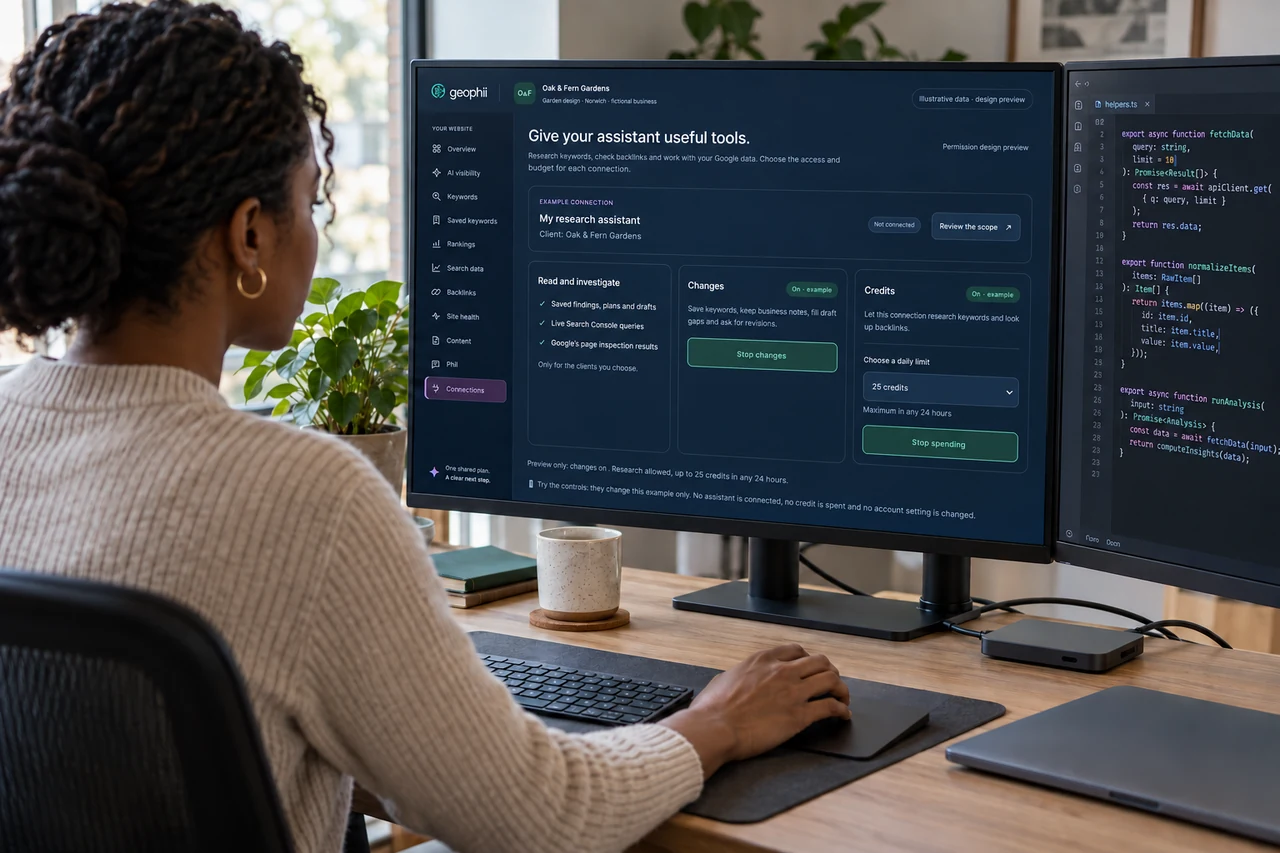
Bring Geophii into your preferred AI assistant. Research opportunities, explore your Google search data and keep the next step connected to your website.
Research keywords and backlinks, explore Google search data and give draft feedback through your connected assistant.
AI-generated scene · illustrative product data.
What to expect
Know what each connection can do.
01
Start with your website, not a blank chat
Connect your assistant to Geophii and ask about the website you want to improve. It can use your business details, audit findings, saved keywords, rankings, backlinks and content work to give the conversation a useful starting point. Keep each client’s information attached to the right website.
02
Do the research in the conversation
Ask for keyword ideas, look up backlinks or investigate your connected Search Console data. Save useful keywords, add a competitor or question, fill a missing business detail and request changes to a draft. Move from a question to something you can use without carrying information between tools.
03
Set the spending limit once
An agency owner or admin can enable paid keyword and backlink research for a connection and choose its daily credit limit. Research uses Geophii’s app prices and stops at the limit. Leave paid research off when you want to explore existing findings without authorising research charges.
Before you start
Your questions, answered.
Can my connected assistant spend credits?
Yes, for keyword research and backlink lookups when an agency owner or admin enables paid tools. Each connection has a daily credit limit, and the research uses the same prices as the app.
Can I use it with Google Search Console?
Yes. Connect an authorised Google property, then ask for search data by date, query, page, country or device. You can also inspect the indexing status of up to ten pages on your own website per request.
Can MCP start an audit or publish a page?
Run audits and publish through Geophii’s app workflows. MCP can research opportunities, read findings, update website context and request draft changes; audit execution and publishing remain in the app.
How is this different from Phii?
Phii is the assistant inside Geophii. MCP brings Geophii tools into a compatible assistant you already use, with the account access and spending limit you grant it.